Artwork File Guide for Custom Patches
Send the clearest original art you have. Prepare the file, explain the details, and review the patch proof before production.
Updated November 11, 2026
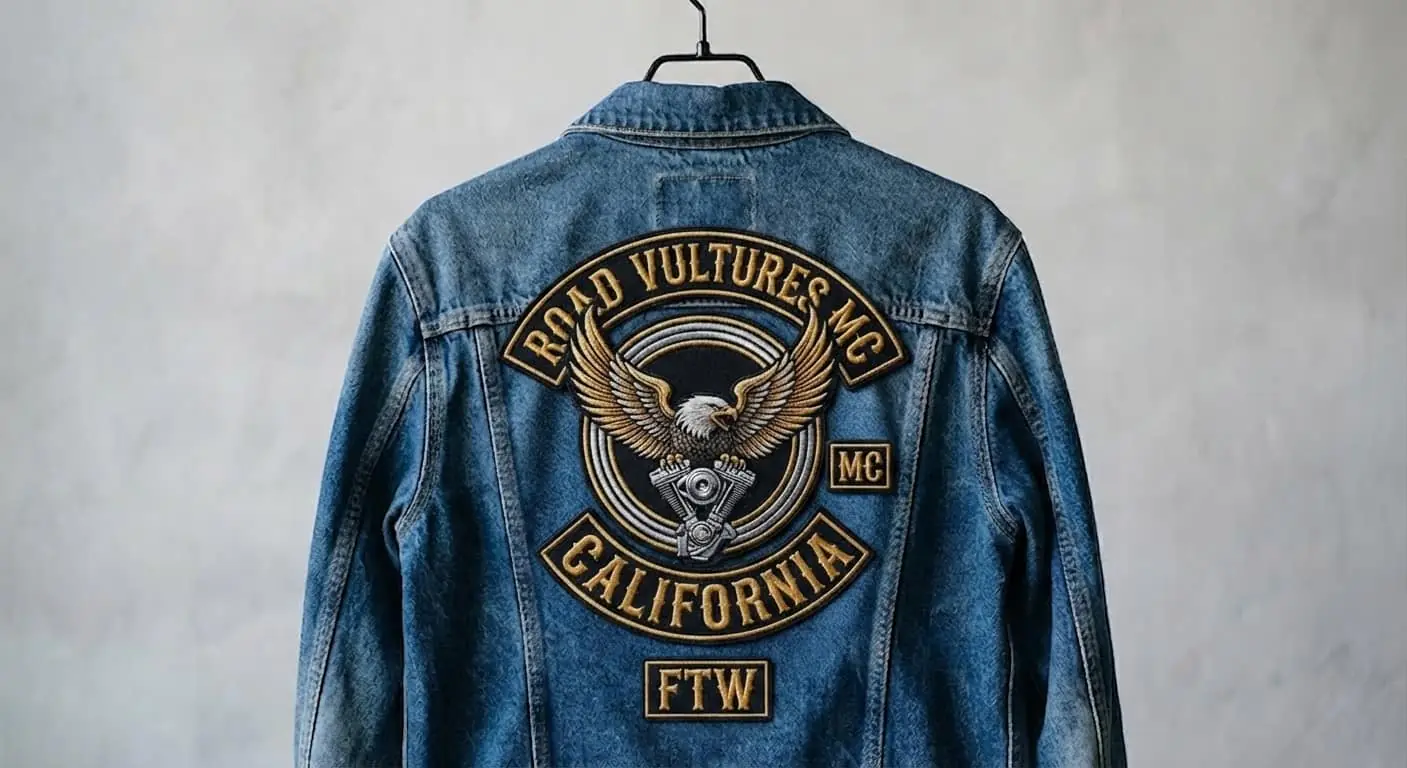
Quick answer: upload the original artwork you have—SVG, PDF, PNG, or JPG—through the quote builder. Vector art scales cleanly for logos and lettering; a high-resolution raster image works well for full-color printed patches. Include your finished size and material so detail can be checked at the scale you plan to order.
Vector vs. raster files
Vector artwork (usually SVG or a vector PDF) stores shapes and paths, so logos can be resized without the jagged edges a small image develops. Raster artwork (PNG or JPG) is made of pixels. Send the original or largest export available, not a screenshot or image copied from a social profile. PNG can preserve a transparent background; JPG is fine when a solid background belongs in the design.
A file checklist before you upload
- Use the original logo file or the highest-resolution export available
- Include the target width and height in inches; a square artboard does not mean a square patch
- Include exact wording and spelling, including small ring or rocker text
- Name brand colors or attach a reference when a close match matters
- Say which background areas should remain and which should be removed
- Tell us the garment, patch material, backing, and border you have in mind
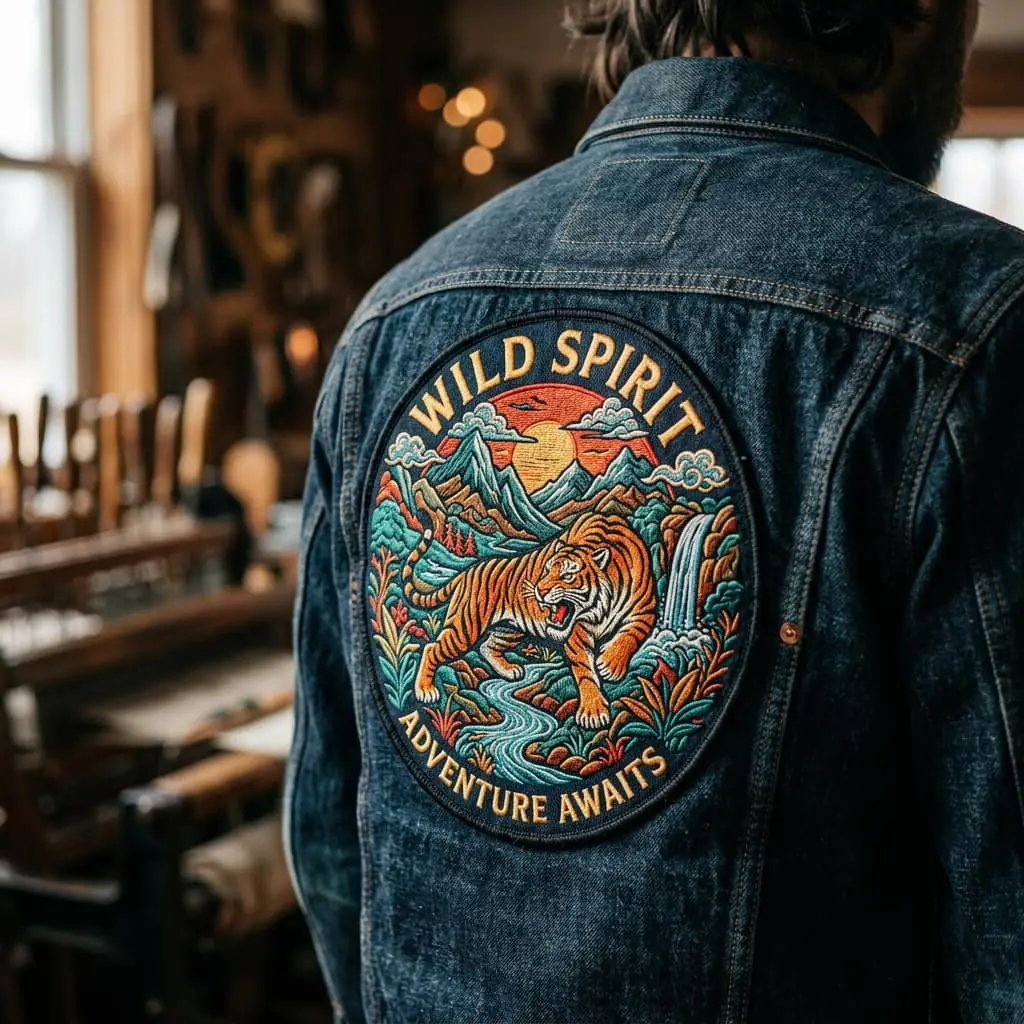
Prepare artwork for thread, weave, print, or PVC
Embroidery uses thread, so very narrow gaps and tiny lettering can close up. Woven patches hold finer lines with a flatter finish. Printed patches reproduce gradients and photographic detail, while PVC uses molded color areas and raised levels. The same logo may need a simplified version for one material. Compare embroidered and woven patches or browse patch types.
What to check on the digital proof
- Spelling, numbers, and the direction of curved text
- Overall width and height against the garment or panel
- Thread or print colors, contrast, and background shapes
- Border type and how the edge follows the artwork
- Backing and placement for each piece in a multi-part design
Ask for edits before approving if anything is hard to read or sits too close to the edge. Production starts only after you approve the design and confirm the order. See the four-step ordering guide for what happens next.
Artwork notes by patch type
- Printed: send the original image so color and crop can be checked
- PVC: use clear shapes and separated color areas for molded detail
- Chenille: keep letterforms bold enough to show in looped yarn
- Leather: favor a simple mark with strong contrast
USA timeline after artwork lands
Mockup in 4–5 hours. Delivery in 5–7 days after approval. Ships from Corona, CA nationwide.
FAQ
What file types do you accept?
PNG, JPG, SVG, and PDF through the quote builder.
Do I need a vector file?
Vector helps on fine detail, but high-quality raster files can work—especially for photo printed patches.
Can you work from a sketch?
Yes. Describe colors in the notes and approve the digital proof before production.
Keep reading
- Custom Patches for Fashion and Streetwear Brands
- Custom Patches Made in the USA: What Buyers Get
- Custom Patch Size Guide: Inches by Garment
- Custom Embroidered Patches
- Custom Woven Patches
- Custom PVC & 3D PVC Patches
- Custom Photo Printed Patches
- Custom Name Patches
- Custom Chenille Patches
- Custom Leather Patches
Patch types · USD pricing · Gallery · Blog · About us · Get a free custom patch quote · Seasonal patches · FAQ · Privacy policy · Terms of service